
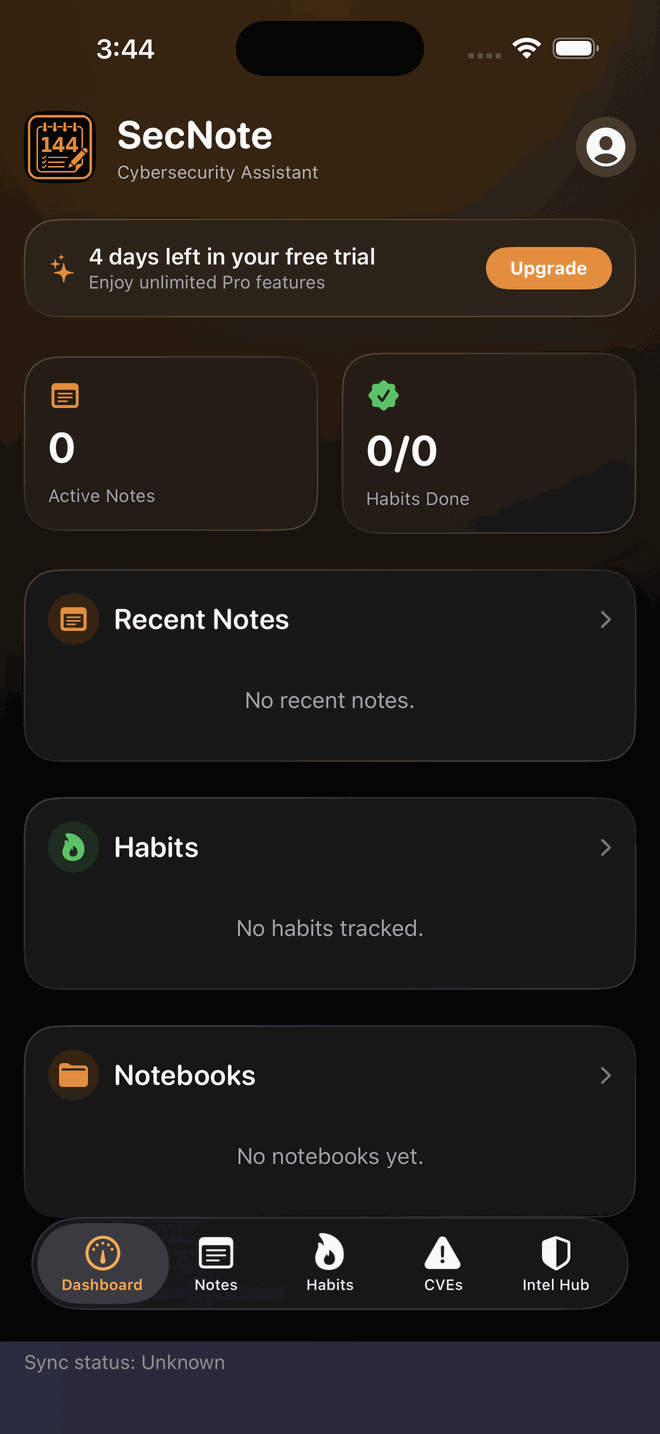
SecNote is a focused workspace for security professionals. Encrypted notes, live CVE tracking with a personal watchlist, a curated threat-intel news hub, voice notes for the field, and habit tracking — one app, no juggling.
Notes in one place, CVE alerts in another, news in a dozen tabs, voice memos somewhere else. The context-switching costs you the thing that matters most: staying sharp.
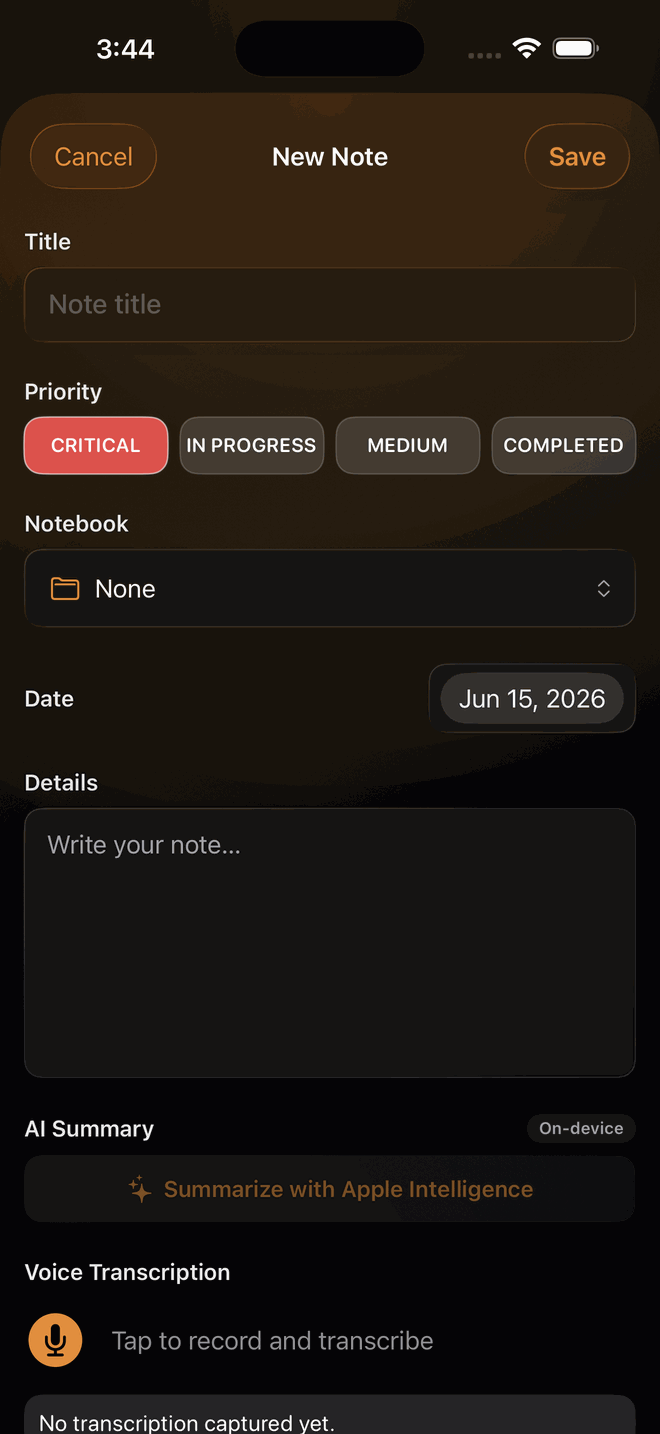
Findings, engagement notes, runbooks — organized into notebooks, tagged by priority, and stored with on-device encryption. Export any note to PDF or Markdown to hand off a finding.
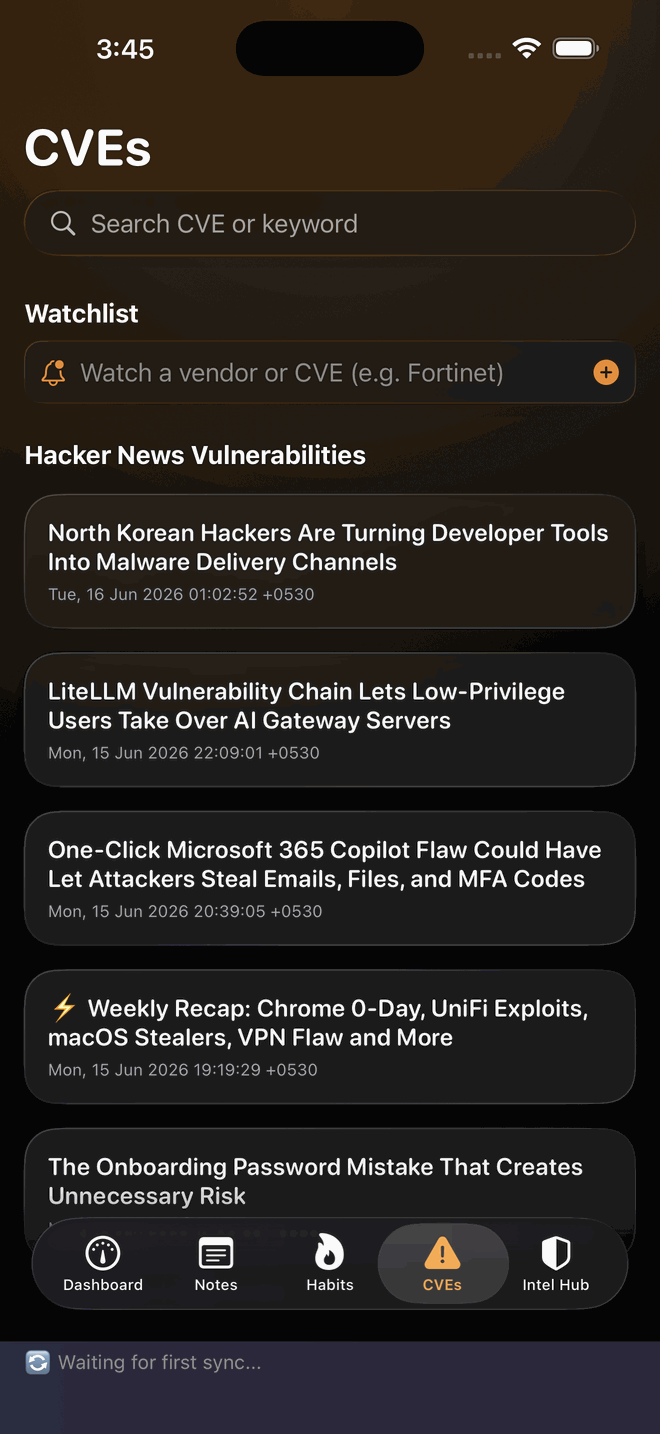
Search the National Vulnerability Database live, then save the vendors and products you care about. SecNote flags new matches so you catch what's relevant without the noise.
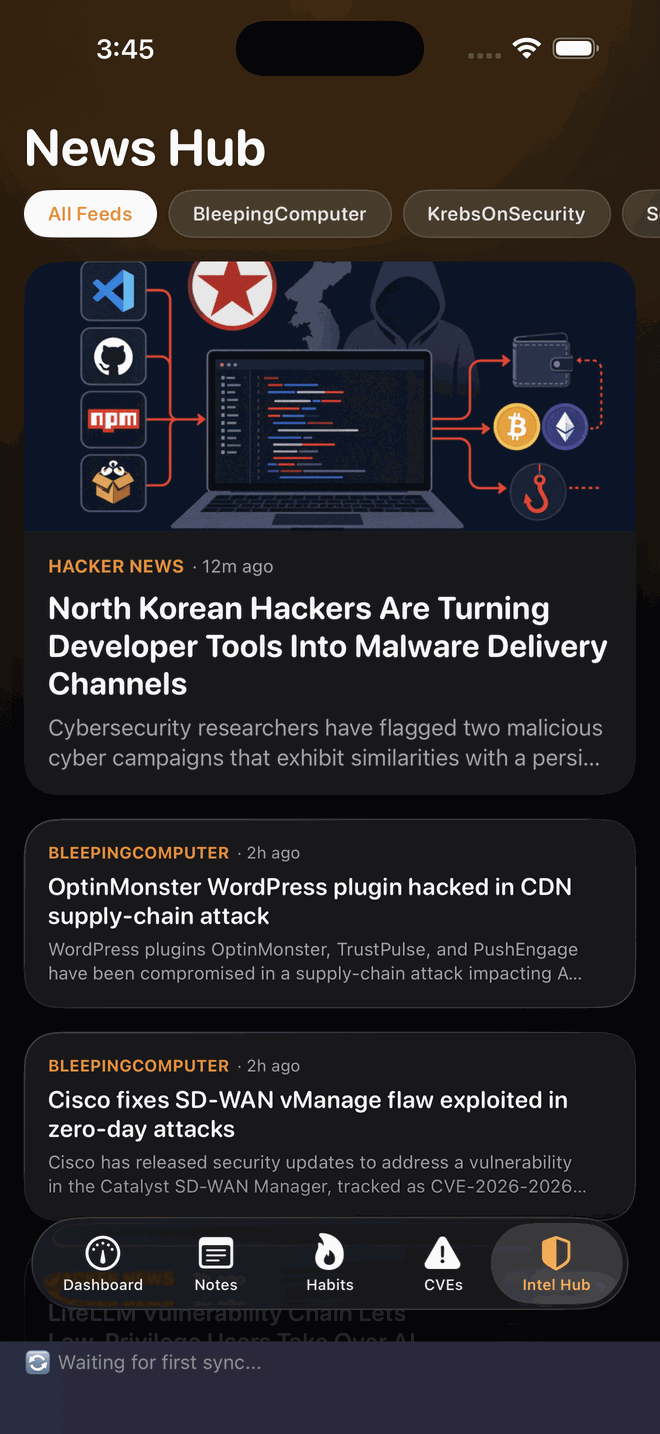
A single feed pulling from BleepingComputer, KrebsOnSecurity, Dark Reading, SecurityWeek, The Hacker News, and r/netsec — skim it with your coffee instead of twelve open tabs.
Dictate an observation in the field and SecNote transcribes it on device. Or use the Action Button, Siri, or a Shortcut to jot a note down before the thought is gone — no need to even open the app.
Reading, labs, cert study, log reviews — build the daily reps that keep you sharp. Reminders, streaks, a completion chart, and a calendar show your progress at a glance.
No accounts and no sign-up. Your workspace lives on your device and syncs across your iPhone and iPad through your own iCloud — we never see it. Lock the whole app behind Face ID, Touch ID, or your passcode.
Encrypted notes with on-device AI summaries, a live CVE watchlist, and a curated threat-intel feed — all in one dark, focused workspace, redesigned in Liquid Glass for iOS 26.
If your day involves vulnerabilities, incidents, or assessments, SecNote was built for you.
Track the CVEs hitting your stack, keep shift notes organized, and stay current without drowning in feeds.
Keep engagement notes separated by notebook, capture voice notes between meetings, log findings as they happen, and export them to PDF when it's time to report.
Working an incident? Capture the timeline as it unfolds and keep your threat-intel reading in the same place as your case notes.
SecNote is free to download from the App Store, with an optional Pro subscription. No sales call, no enterprise tier — it's an app, priced like one.
Completely. There are no accounts and no analytics — your notes stay on your device and sync only through your own iCloud. We have no servers that can see them. Read the privacy policy.
Straight from the National Vulnerability Database (NVD) — the same source the industry relies on, delivered without the noise.
Email hello@144company.com — you'll get an answer from the person who built it.
Stop juggling notes apps, news tabs, and CVE alerts. Put it all in your pocket.